See every API call your app makes
When your app talks to external APIs, you want to see exactly what's being sent and what comes back. Buggregator runs a local HTTP proxy that captures the full request and response for every outgoing call.
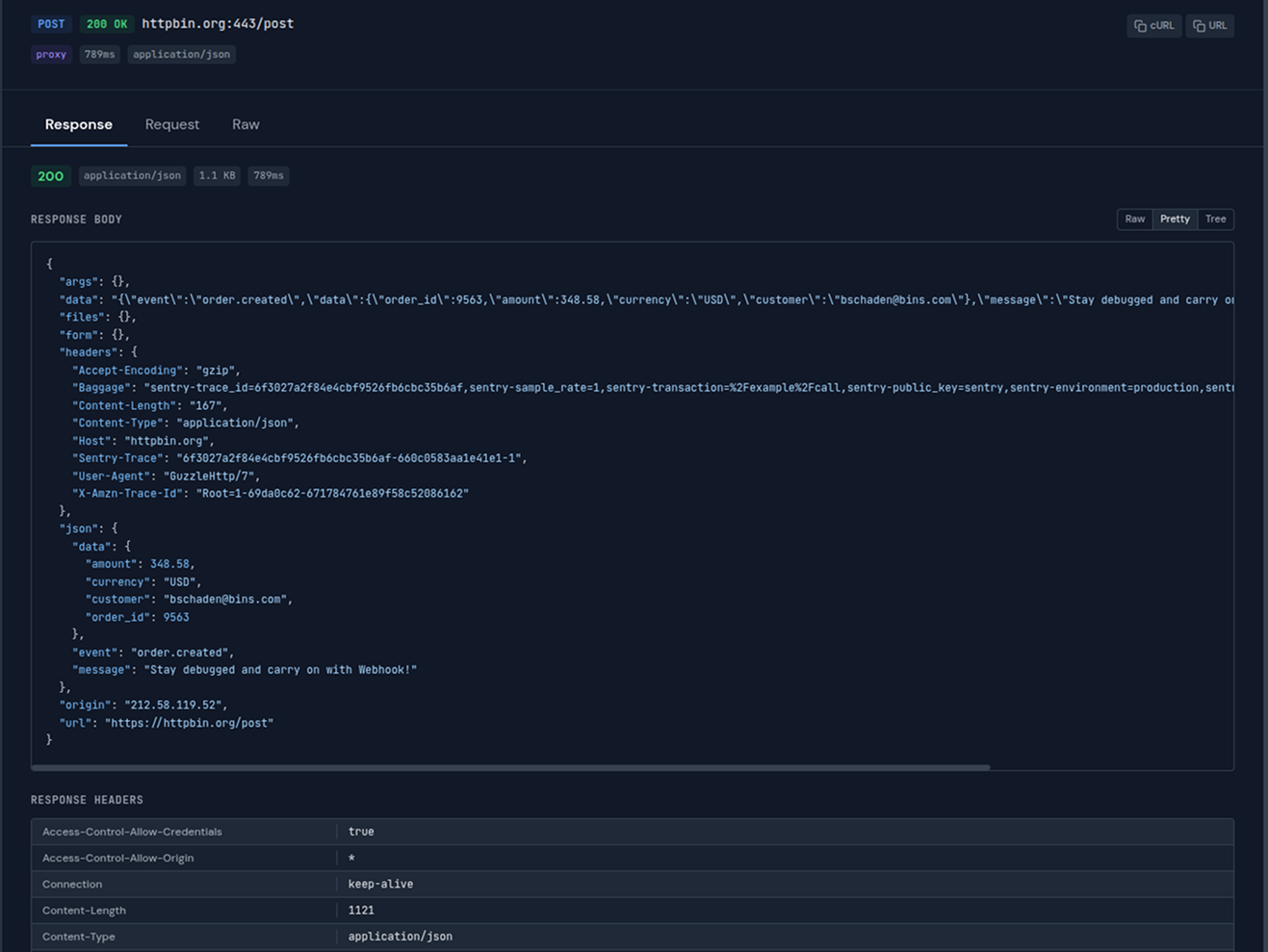
Full request and response details with headers, body, status code, and timing
Full visibility into outgoing traffic
Debug API integrations without adding logging code or reading through raw logs.
Request + Response pairs
See the full round trip. Request headers, body, and the complete response with status code.
Timing
How long each request took. Spot slow API calls without guessing.
HTTPS support
Intercepts HTTPS traffic via an in-memory CA certificate. No files written to disk.
Headers & body
Full visibility into every header and the request/response body. JSON is formatted automatically.
Any destination
Works with any external API. Stripe, Twilio, AWS, your own microservices — everything passes through.
Real-time
Requests appear in the UI as they happen via WebSocket. No page refresh.
Setup in 60 seconds
No registration. No config files. Just run and connect.
Start Buggregator
The HTTP proxy listens on port 8080. The web UI is on port 8000.
$ docker run -p 127.0.0.1:8000:8000 -p 127.0.0.1:8080:8080 ghcr.io/buggregator/server:v2.4.1
Route your HTTP traffic through the proxy
Set the proxy address in your HTTP client. All outgoing requests will pass through Buggregator, which captures the full request and response.
# In your code or a service provider:
Http::withOptions([
    'proxy' => 'http://127.0.0.1:8080',
    'verify' => false,
])->get('https://api.example.com/data');
See every request and response
Each outgoing request appears in the Buggregator UI with the full request, response, headers, body, status code, and timing.
Works with any HTTP client
Standard HTTP proxy protocol. Set the proxy address and every request flows through Buggregator.
Ready to try it?
One command to start. No account needed.
Also built into Buggregator